01EDGE

Select the tab edge
Choose the edge that defines the tab run and direction.
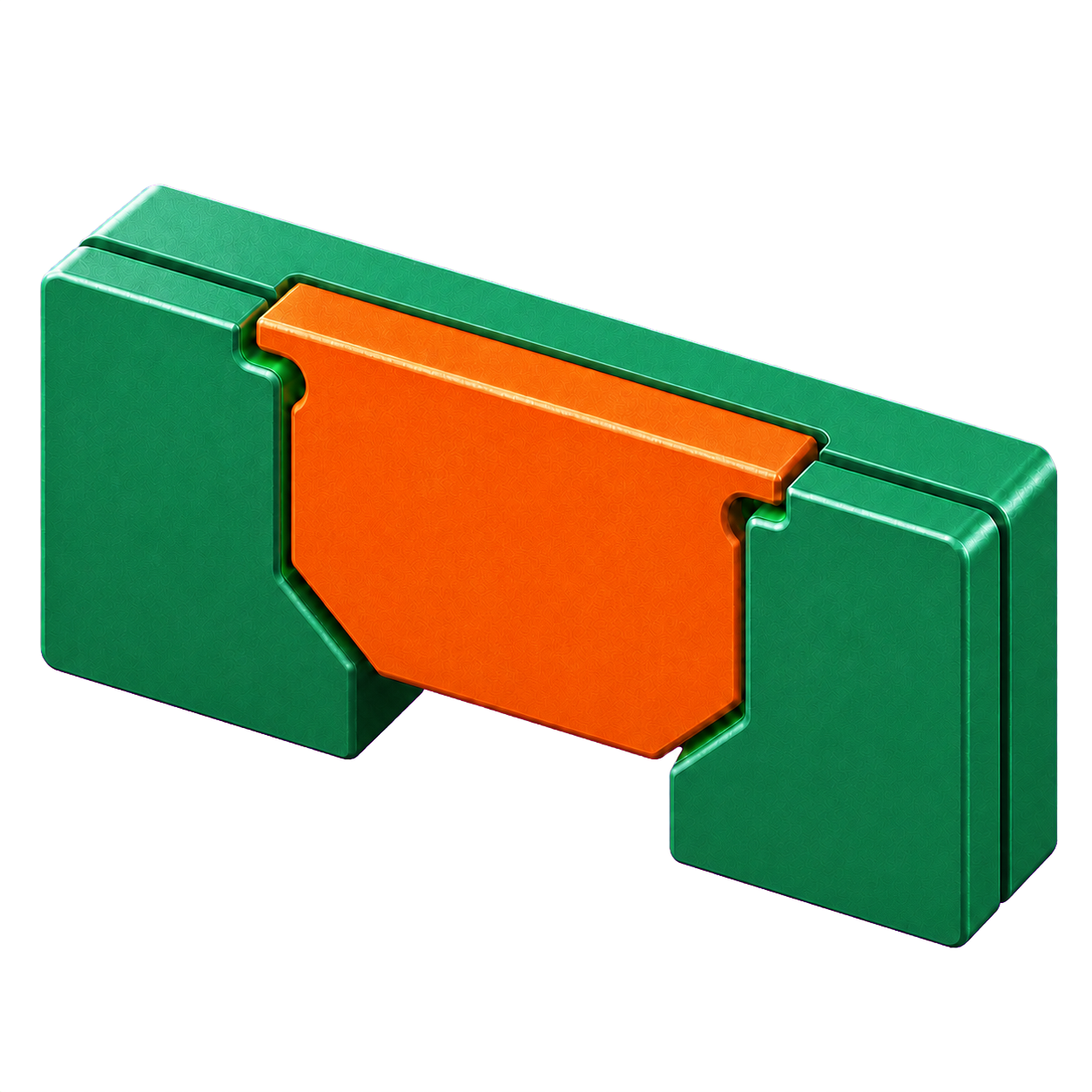 by Sulação ConsultingGet TabSlotPro
 TabSlotPro turns repetitive sheet-metal joint creation into one fast, visual workflow—complete with live geometry, manufacturing clearances and fabrication-ready details.
A smaller step between design and fabrication
Turn a repetitive sheet-metal operation into a controlled, previewable workflow—without leaving Inventor.
Choose the edge that defines the tab run and direction.
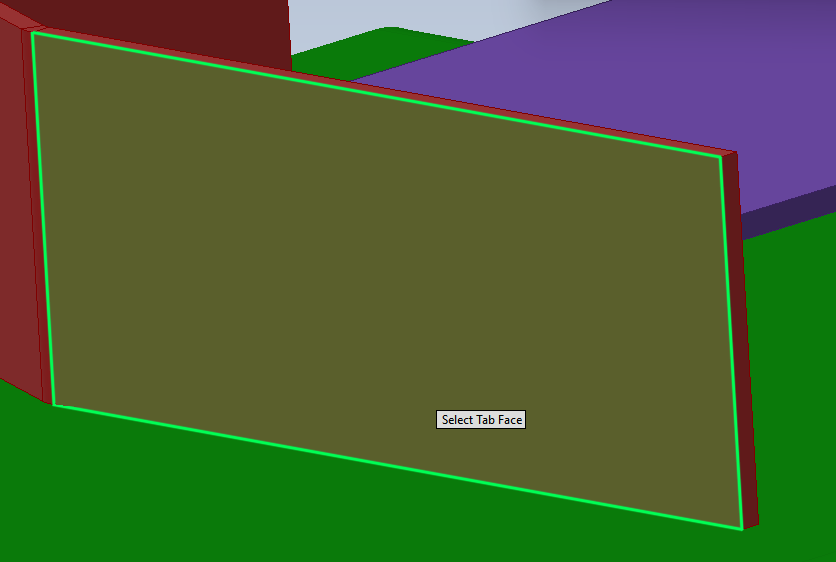
TabSlotPro reads the sheet thickness and previews the tab layout.
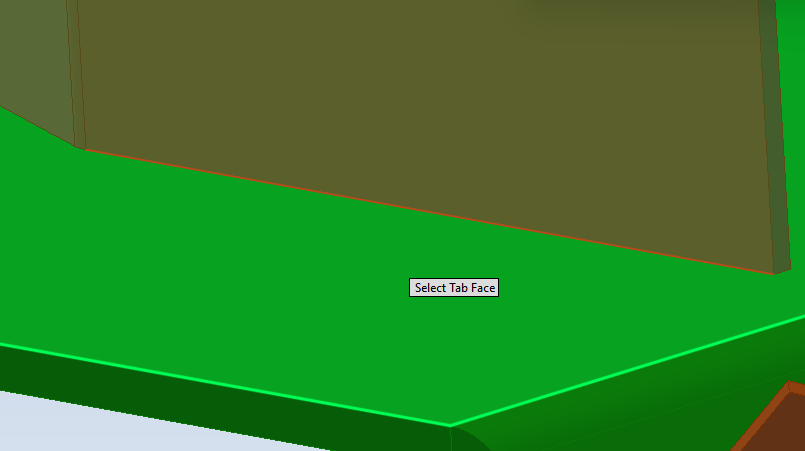
Choose the mating face for aligned, clearance-controlled slots.
[ REAL INVENTOR WORKFLOW ]
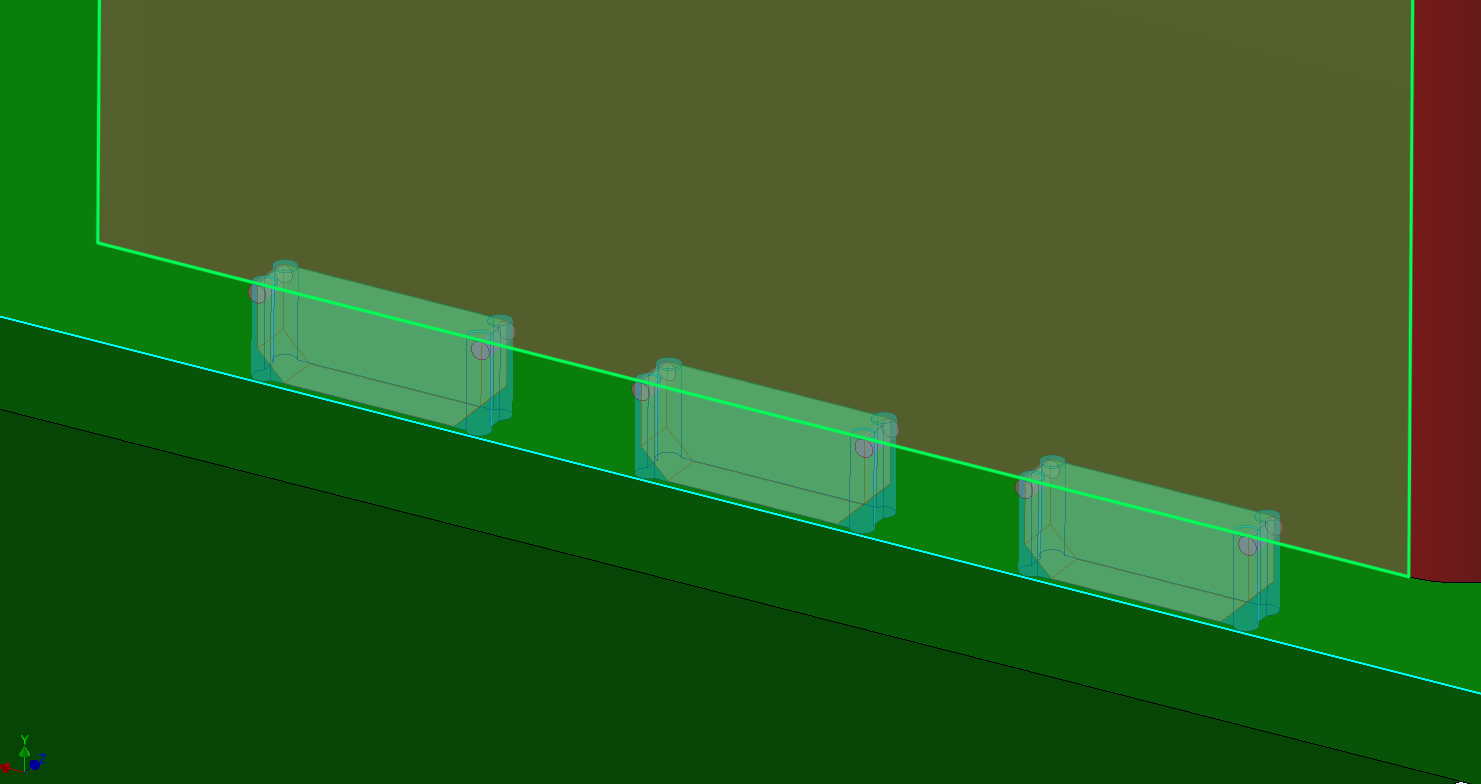
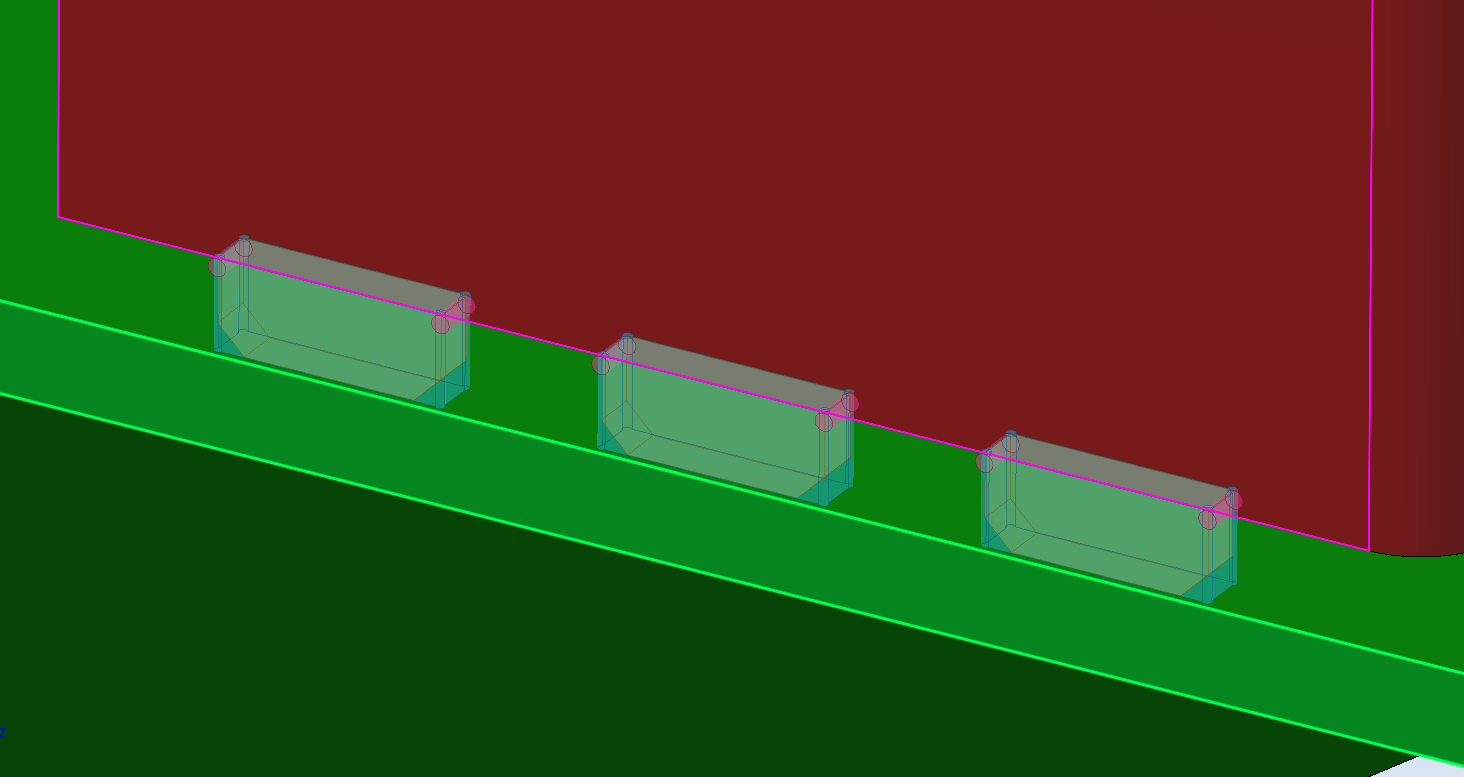
See the exact relationship between tab features and their matching slots before anything is applied to the model.
 01
01Transparent preview geometry shows tab placement and relief details before creation.
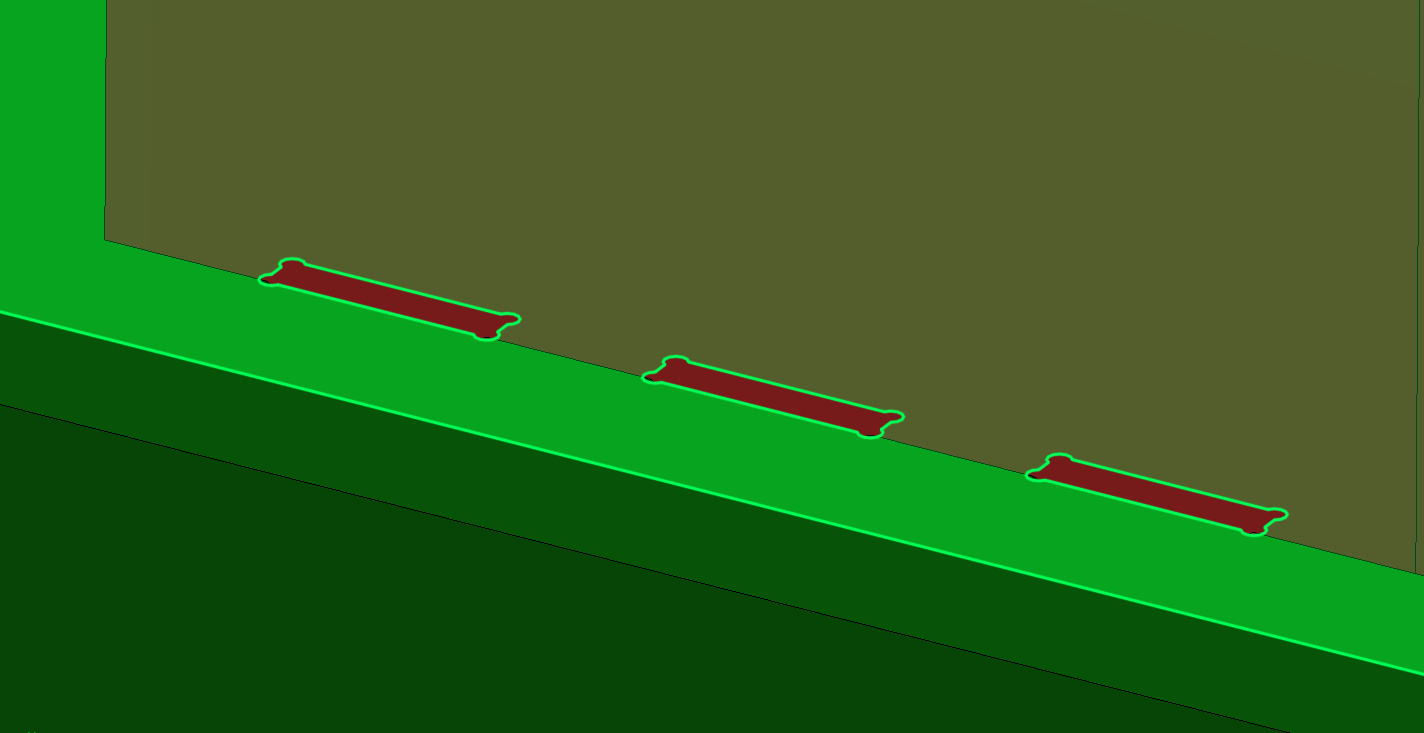
02Production geometry is applied cleanly and consistently along the selected edge.
 03
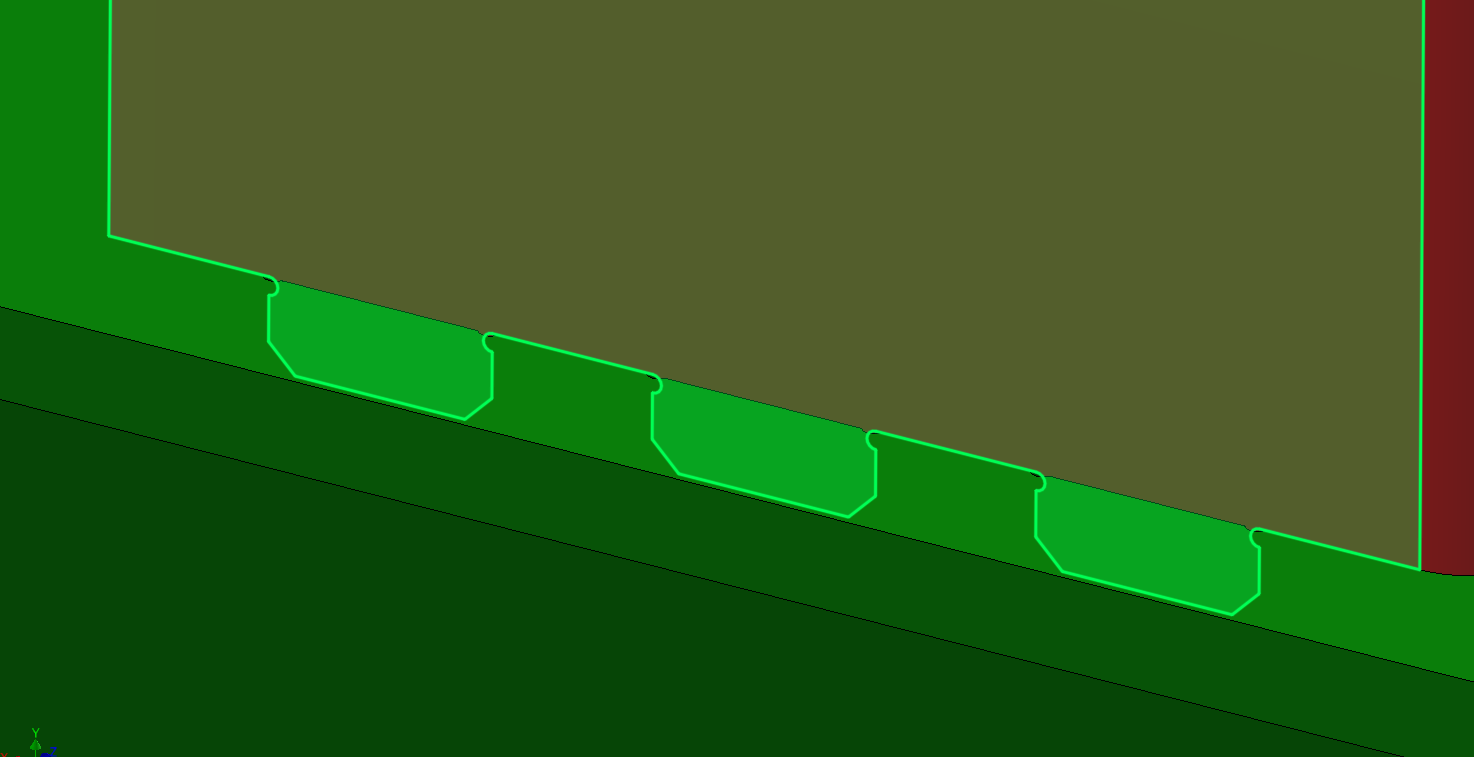
03Clearance-controlled slots align precisely with the tab layout on the mating component.
 04
04The final matched slots are ready for downstream fabrication and assembly.
Designed inside your workflow
The real TabSlotPro interface keeps placement, size, offsets, fabrication options, selection status and joint geometry together—so you understand the result before applying features.
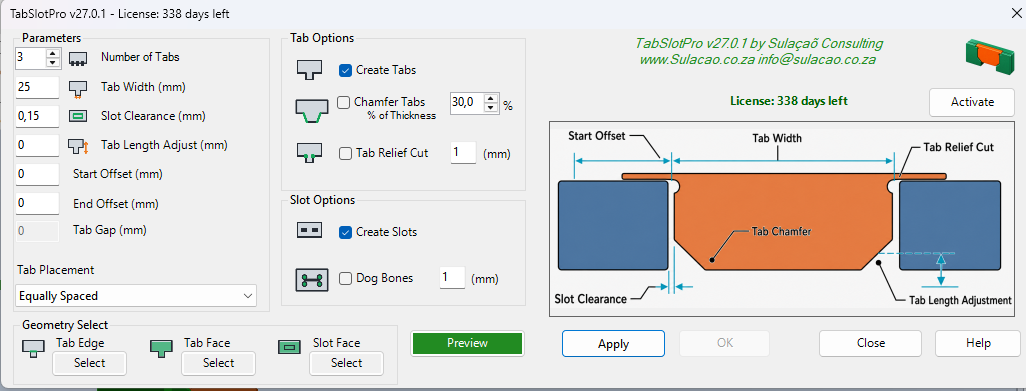
Control tab count, width, clearance, offsets, chamfers, relief cuts, dog bones and placement from one focused workspace.
Watch every tab, slot and clearance update before a single feature is committed.
+Dial in count, width, spacing and offsets with predictable, repeatable control.
+Build coordinated slot geometry around the manufacturing clearance you specify.
+Add chamfers and dog-bone relief without breaking your design flow.
+Work across sheet-metal occurrences while preserving source-part features.
+Stay inside the Sheet Metal and Assembly ribbons you already know.
+Everything needed to move from installation to production-ready sheet-metal joints.
[ DOWNLOAD ]
Windows installer · Version 27.0.1
Download the official TabSlotPro installer for Autodesk Inventor 2026. Your complete 25-day trial begins when the add-in is activated.
Download TabSlotPro 27.0.1 Windows executable · 10.84 MBSave your work and exit Inventor before running the installer.
Open TabSlotPro_Setup_27.0.1.exe and follow the installation prompts.
Find TabSlotPro in the Sheet Metal or Assembly ribbon and begin your trial.
Need installation or licensing help? Contact support →
Ready to remove the repetition?
Download TabSlotPro and try the complete workflow free for 25 days.